
Show and tell with
Custom Instructional Videos
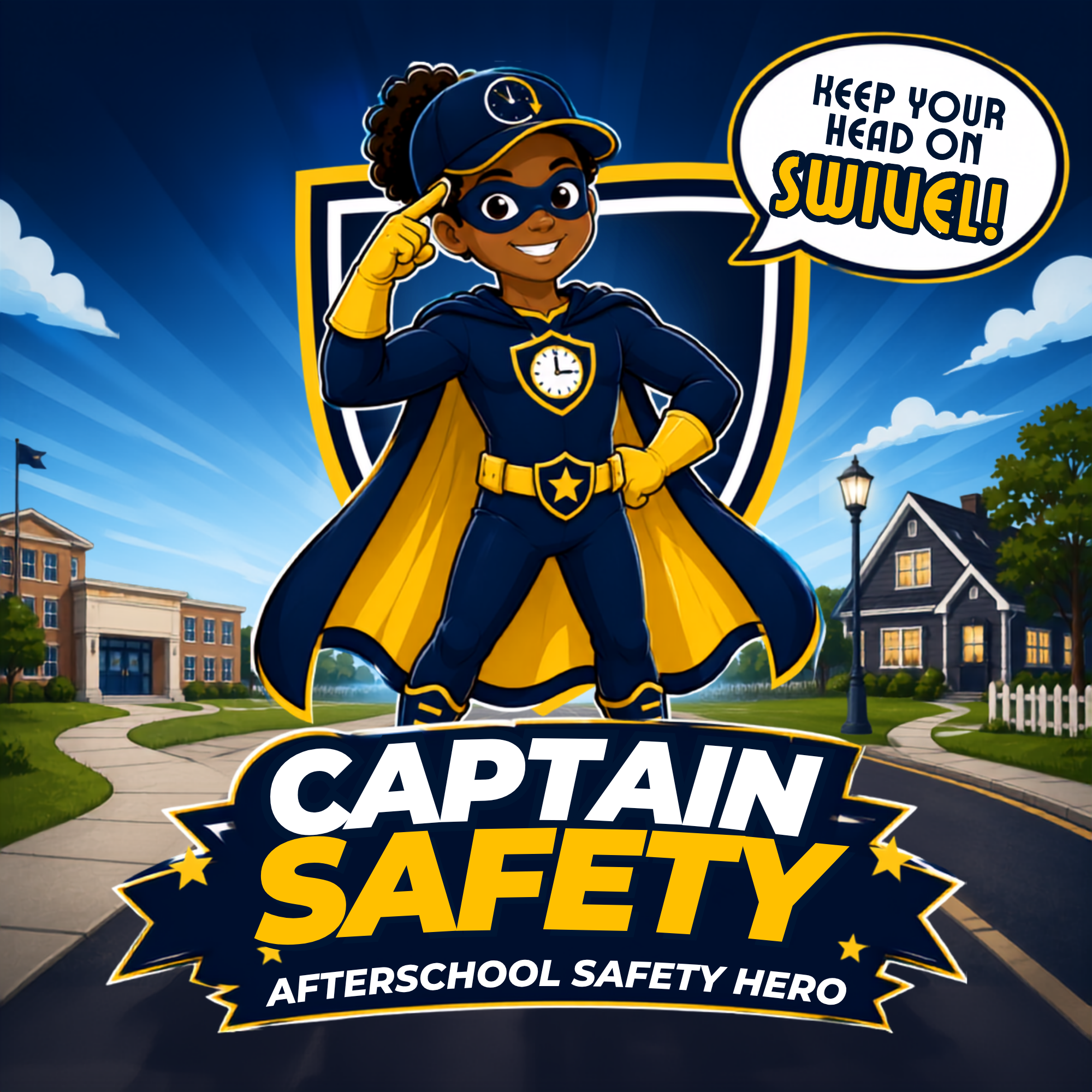
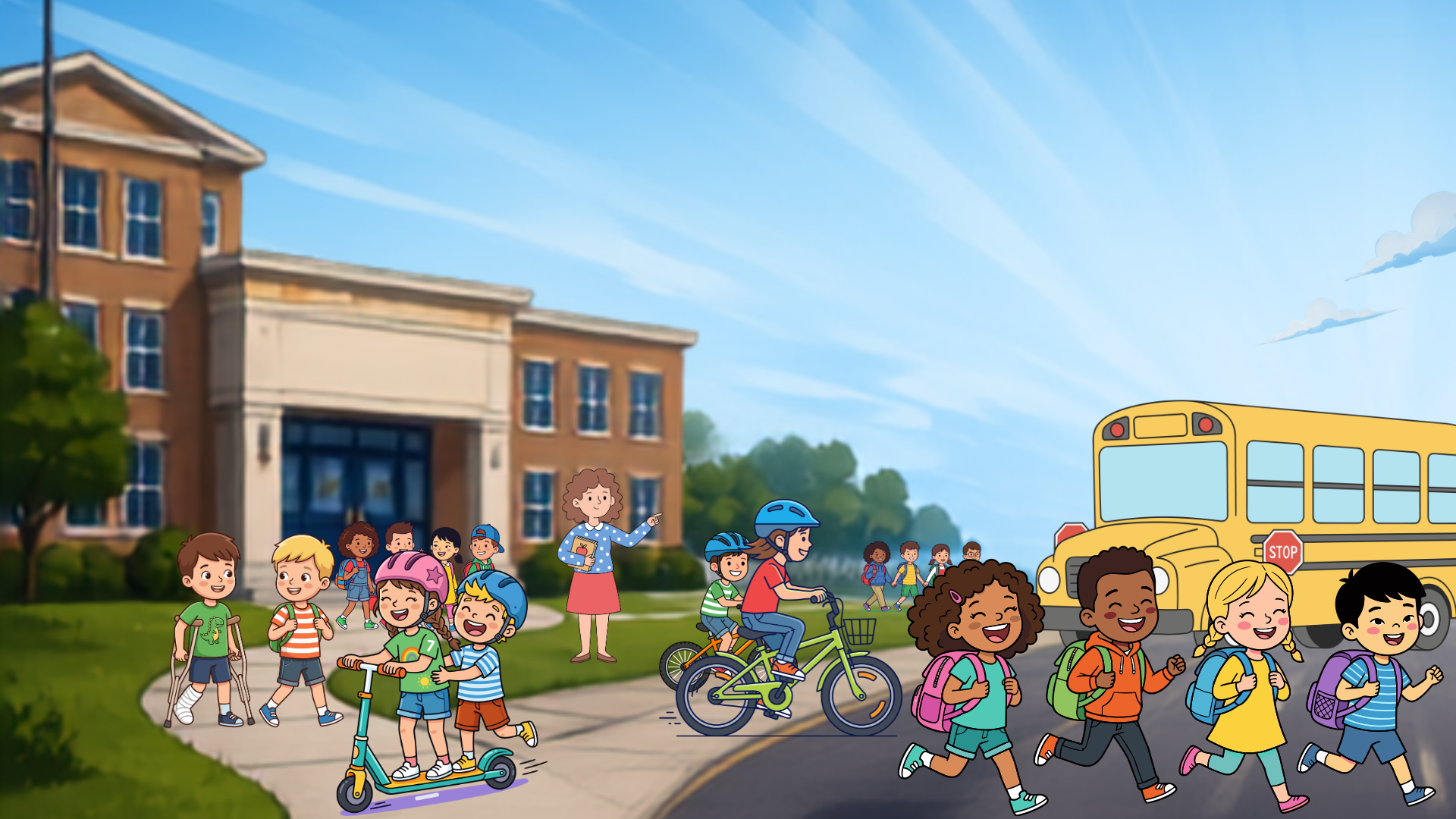
Animated Safety Video
The Client:
Guardian Safety Group is a startup that provides safety tips and training to parents and educators for children. Founded by former law enforcement and campus security personnel, Guardian strives to give kids and adults practical skills to keep children safe after school and at home.
The Challenge:
As part of a larger training project, our challenge was to create a custom-branded safety video for children using a new character and brand logo. The video is designed to coordinate with a lesson for educators on safety and a practical safety poster available to parents and educators alike.
The Project:
Using the provided script, character, and logo, our challenge was to create a fully animated video using available resources, including a limited budget.
The Production Materials:
This project was constructed using a variety of tools and methodologies. To save on budget, some scenes were animated using “animations” and AI tools in Canva, while others were fully animated using anchor slides in Artlist.io. Assets were compiled into Camtasia for the finished product.

Simplifyance Video Course Series
The Client:
Simplifiance produces a compliance platform for behavioral health providers. Their mission is to support the growth, development, and refinement of behavioral healthcare organizations striving to make a positive impact on the lives of others.
The Challenge:
As part of their platform, Simplifiance drafted thirty 40-minute training videos covering a variety of topics relevant to their market and clientele. These training videos are intended for professional development for staff of the client organizations.
The Project:
This series was written by subject-matter experts at Simplifyance. Scripts were then storyboarded by Verbosity and developed into the finished videos. The client had originally intended to develop the training videos using AI technologies, but at the time of the project, AI was still not producing a product that met the client’s standards. We were able to use our resources to resolve that problem.
The Production Materials:
This project was constructed in Camtasia with assets from Canva. AI voiceover was produced using Artlist.io (formerly Eleven Labs). Intros and outros were provided by the client, but Verbosity produced all other elements.
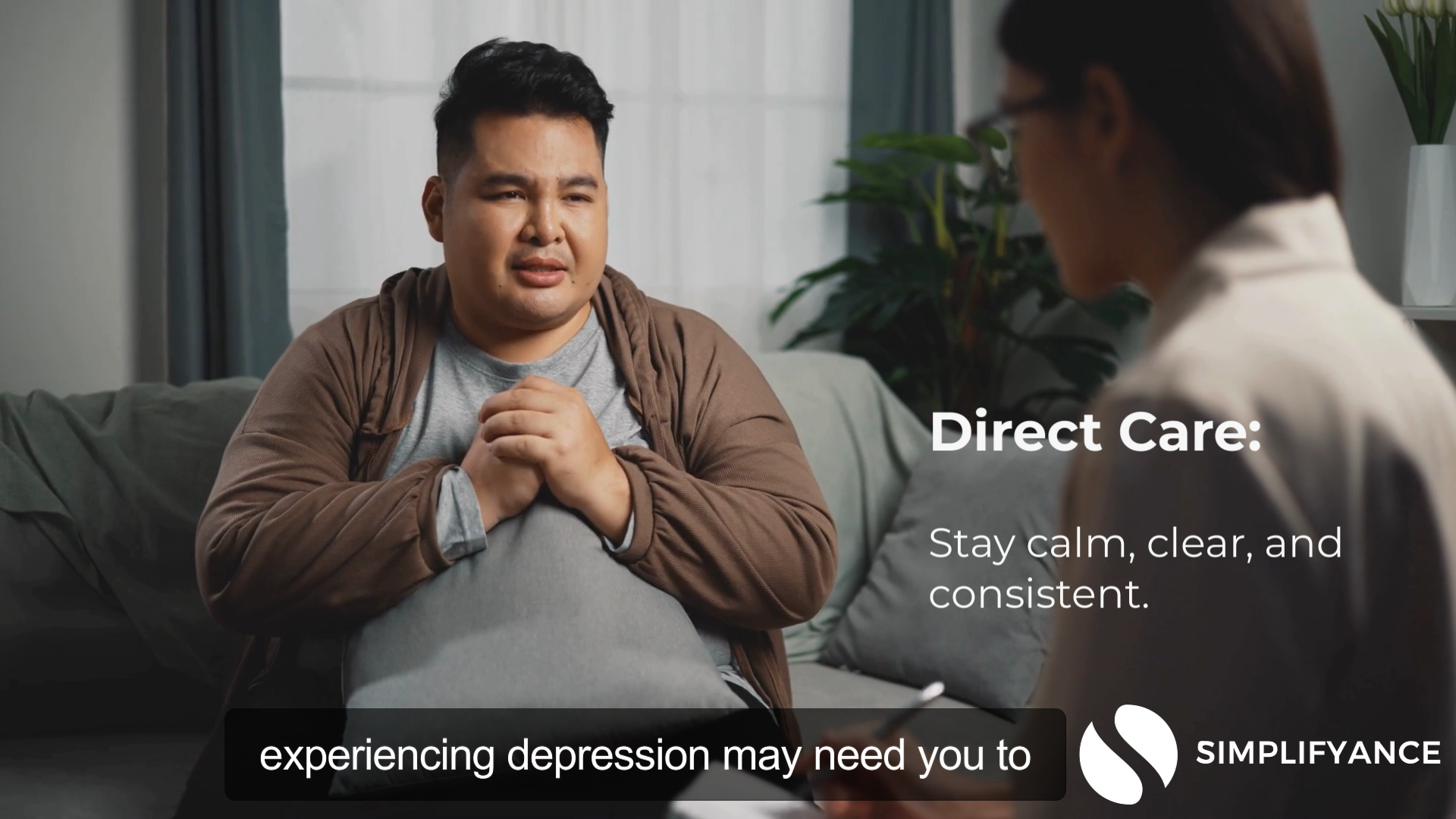
321Insight K-12 Paraprofessional Instructional Video Series

The Client:
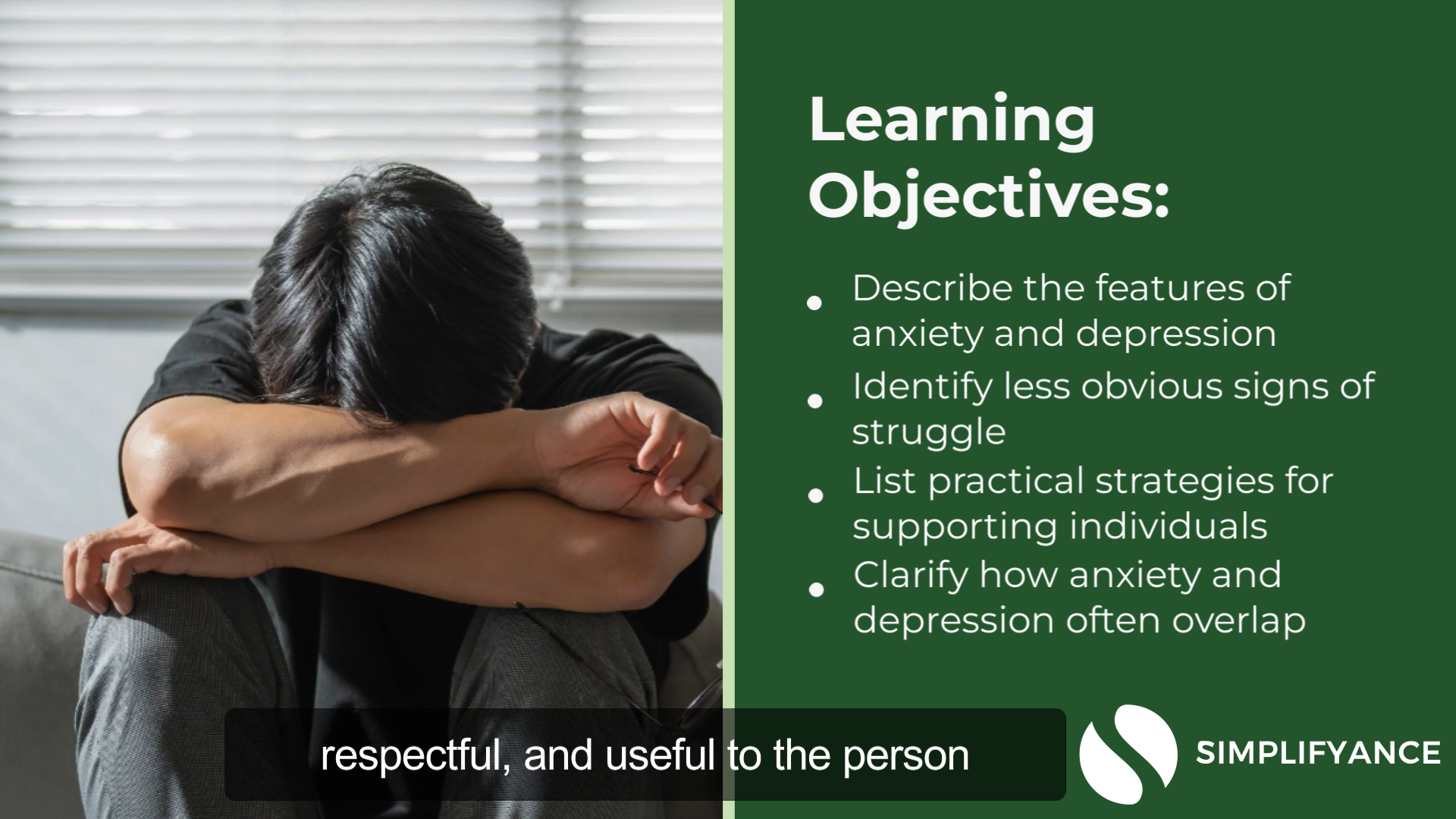
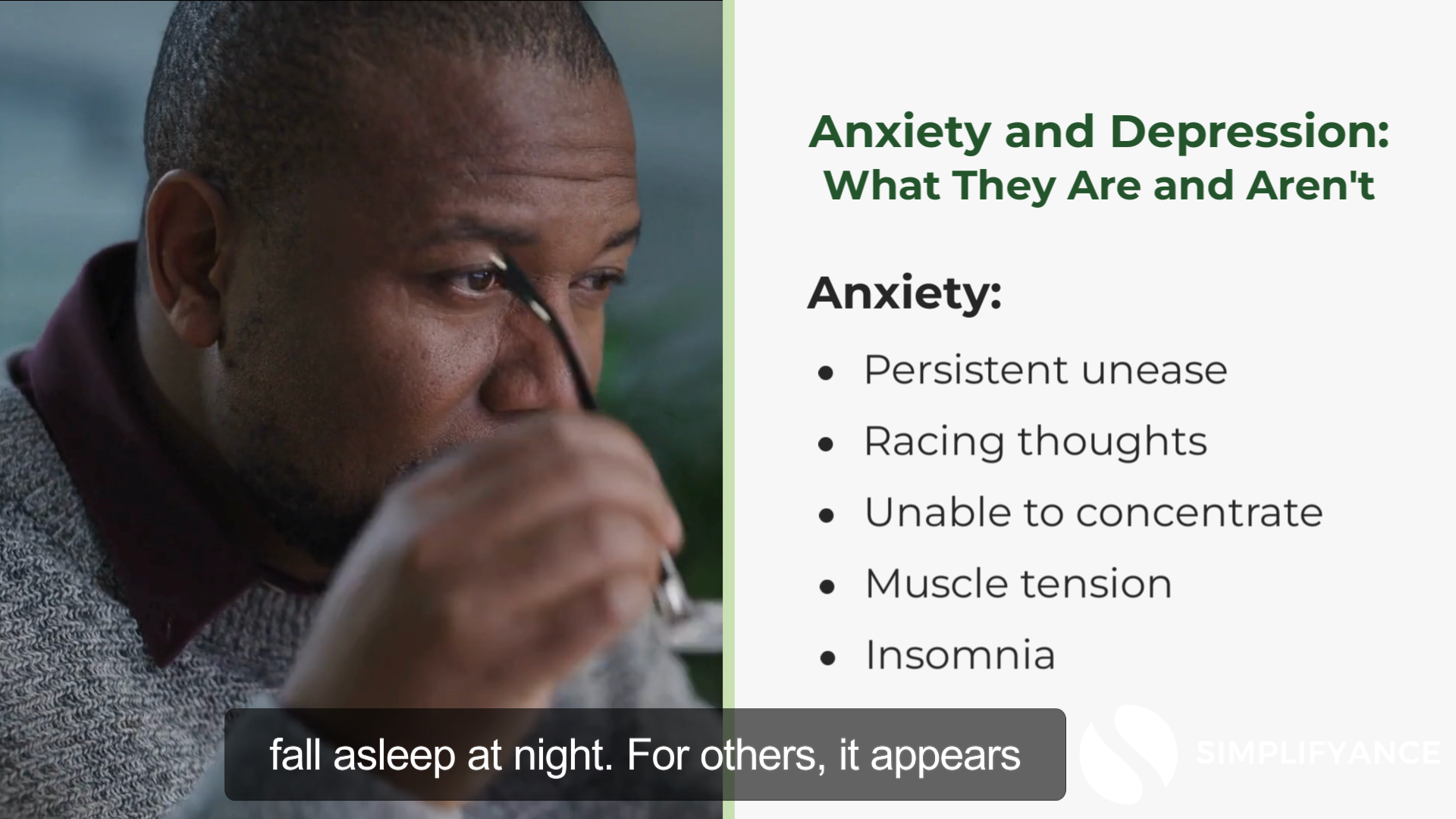
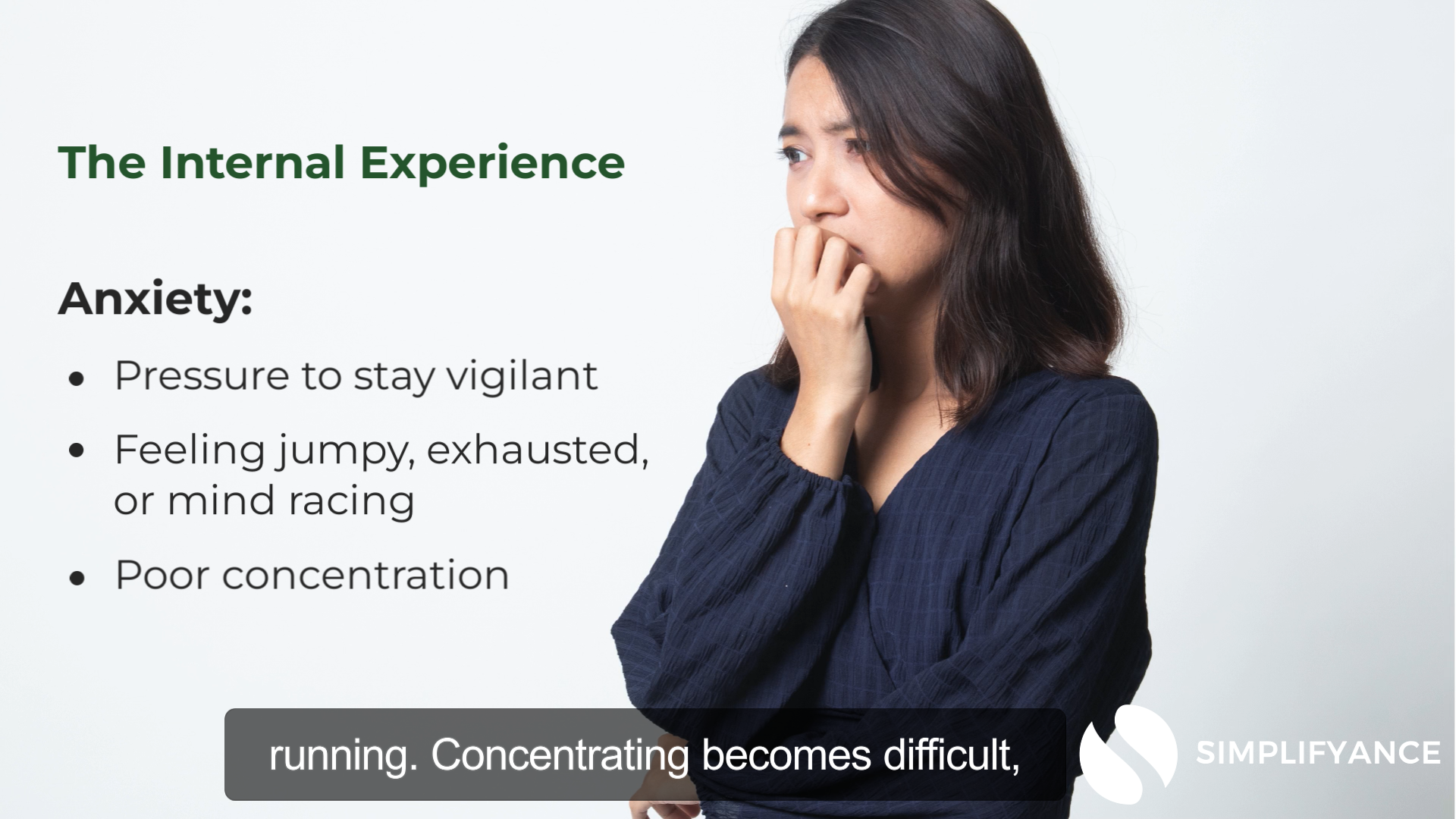
321Insight is a company dedicated to giving essential training to paraeducators who may encounter difficult situations in a K-12 school setting. Much of their training is centered around trauma-informed practices and dealing with challenging student behaviors.
The Challenge:
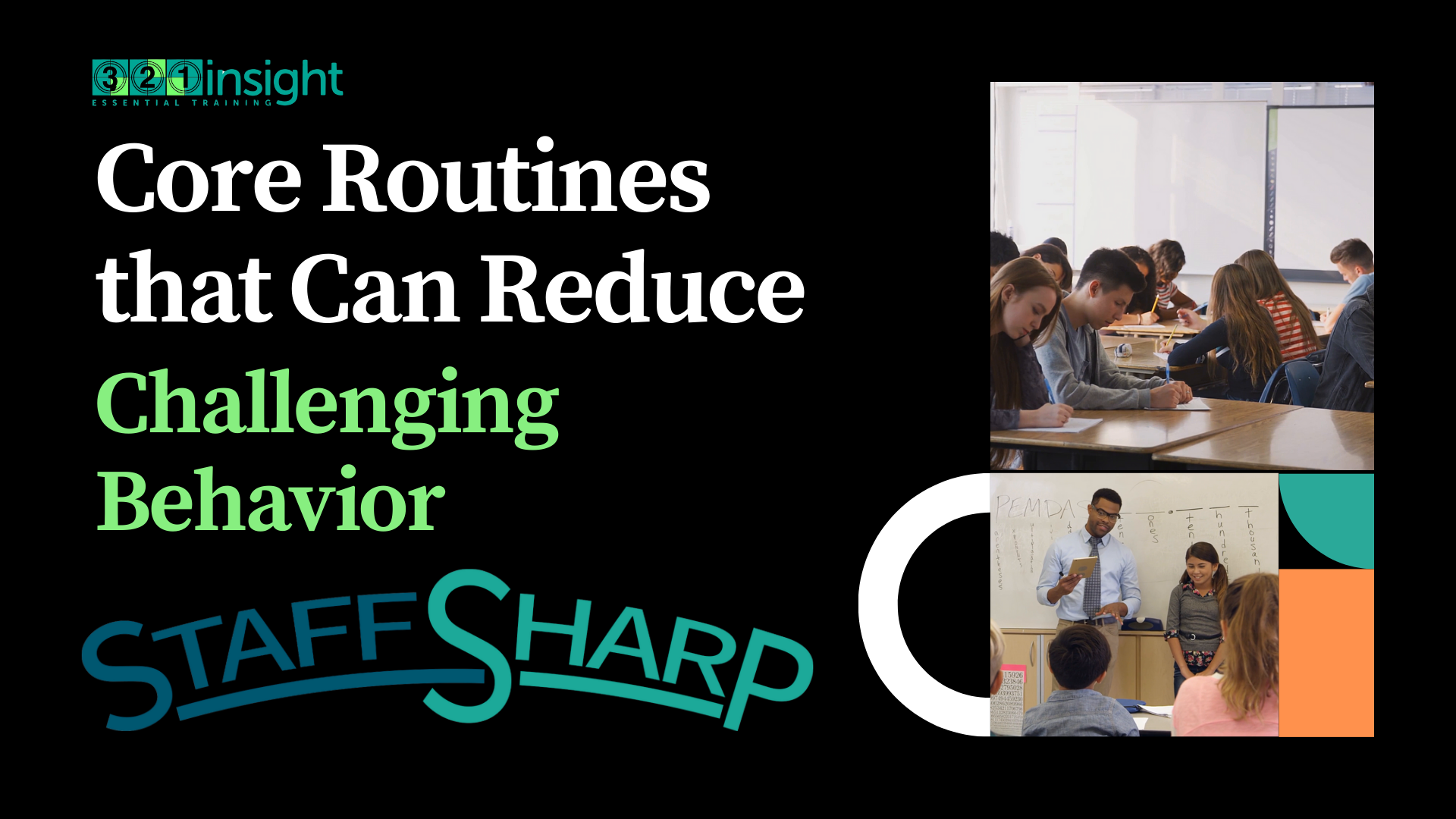
In gearing up for the 2025-26 school year, the company was adding a new series to their training offerings, including the StartSmart series. The challenge was to create the new videos and update older videos to the company’s current branding, all before the start of school.
The Project:
This series was written and storyboarded by the staff at 321Insight. In collaboration with their team, we created the assets to bring their vision to life, and created and edited all of the final videos. This project consisted of 18 new videos and 21 revised or rebranded videos.
The Production Materials:
This project was constructed in Camtasia with assets from Canva.

The Power of Having Fun and The Focused Business

The Client:
Dave Crenshaw is an American author, public speaker, small business and time management expert. His books The Myth of Multitasking: How "Doing It All" Gets Nothing Done and Invaluable: The Secret to Becoming Irreplaceable have been referenced for teaching by some universities.
The Challenge:
The author’s work is derived from several leadership conferences and workshops. His other books have since been converted into courses on LinkedIn Learning. This project was to convert his two newest books, The Power of Having Fun and The Focused Business into scripts and storyboards for upcoming courses to be released on LinkedIn in the fall of 2024.
The Project:
Working in close collaboration with the client each book was broken into 20-30 sections which provided the framework for 3-4 minute videos. We condensed the source material into 250-400 word scripts targeting key concepts and skills from the anchor text. Then we imported the scripts and created storyboards for each of the videos. Storyboard concepts were derived from images in the anchor texts and also incorporated graphics and animations. In total, the project contained just under 50 scripts and storyboards and took two months.
The Production Materials:
This project was constructed in Microsoft Word and LinkedIn Learning’s storyboarding software. The finished product was produced by another contractor using additional assets. The finished projects can be found in Dave Crenshaw’s library on LinkedIn Learning.
OUSD Google Extensions Series - SPEC Project
This project was originally produced as an hour-long professional development webinar for teachers during COVID-19. The project presented here has the same content but is so significantly altered from its original format that we feel it best to classify it as a “speculative” project now.
The Client:
Orland Unified School District is a small, rural K-12 school district located in Northern California. The district serves approximately 2,300 students and employs just over 100 teachers.
The Challenge:
Like most schools throughout the U.S. in 2020, Orland Unified School District was shut down for in-person instruction and gearing up for some form of remote learning. Teachers were scrambling to find ways to recreate comparable learning experiences in a digital environment. The district was challenged with supporting staff efforts by gathering and disseminating information about prospective software and apps. It wasn’t enough to just advertise the technology, teachers needed to learn how to use it quickly and apply it effectively in their new digital classrooms.
The Project:
The Google Extensions Video series is the foundation for an ongoing video library of informational and instructional videos about EdTech tools available to teachers in the district. Each video covers one app or extension and outlines where the teacher can get the tool, how to install it (or where to find it within existing software), as well as best practices for use in the classroom. Each video is followed up with a single-sheet infographic summarizing the video information for easy reference.
The Production Materials:
This project was constructed in Camtasia with Audiate, using assets from Canva, Pexels, and screen casting.
Like what you see?
Let’s build some for you!